 Money Tree
By Money Tree team,
How to set a grocery budget you can actually keep
Short answer: start from what you really spent on groceries over the last two or three months, set a limit close to that with a little slack, and check it weekly. Trim in small steps. A realistic limit you keep beats a tight one you abandon.
Food is often the category that moves most from month to month, so it's the one worth getting right.
Step 1: Find your real number
Look at the last two or three months of grocery spending. Add each month's total and take the average. That's your starting point, not a failure.
Step 2: Separate groceries from eating out
Keep takeout and cafes in their own category. Mixing them hides where the money goes.
Step 3: Pick a weekly limit
Divide the monthly figure by four. A weekly limit shows a problem after one shop, not at the end of the month.
Step 4: Trim in small steps
Cutting 10 percent is easier to keep than cutting a third. Small swaps, planned meals and a shopping list are the usual levers.
Step 5: Add a little slack
Leave a few dollars a week for the item you forgot or the guest who stayed.
A worked example
| Amount | |
|---|---|
| Last three months, average | $520 |
| Starting weekly limit | $130 |
| After a 10 percent trim | $117 |
| Weekly slack | $8 |
| Weekly target | $125 |
The target is close enough to real life to hold, and still moves in the right direction.
Common mistakes
- Copying a number from the internet. Your household is different.
- A limit that ignores events. Birthdays and guests happen.
- Counting takeout as groceries. It blurs both totals.
- Checking only at month end. By then it's too late to adjust.
How to do it in Money Tree
- Let it categorise. Transactions are sorted into categories automatically, so your grocery spending is already grouped.
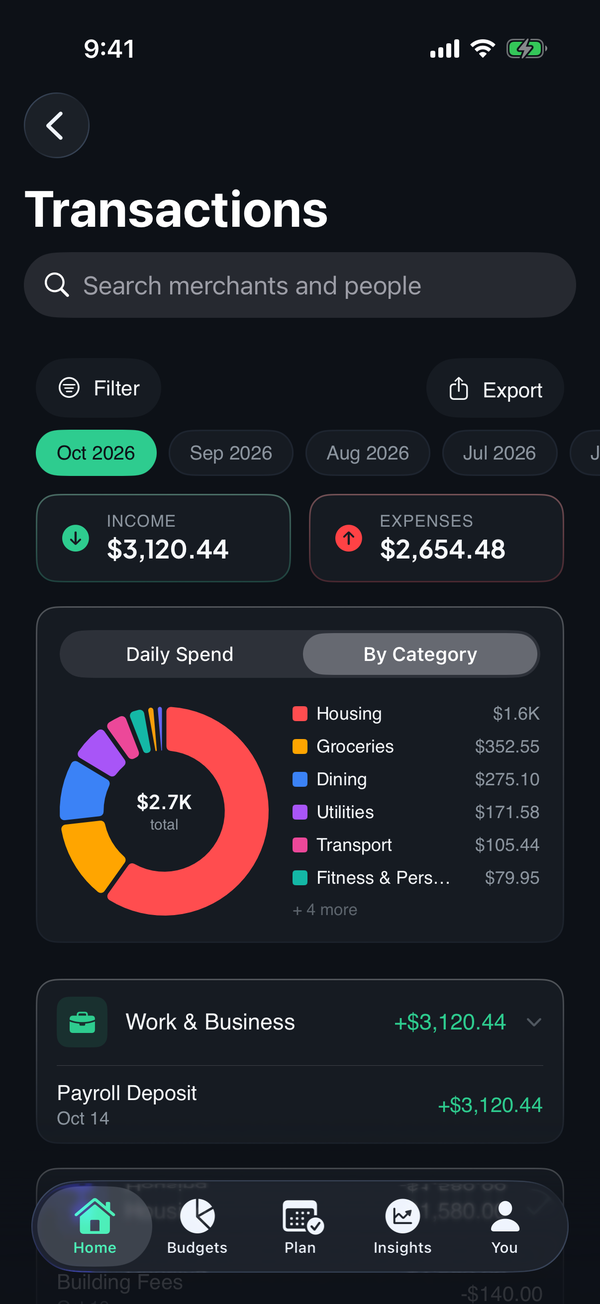
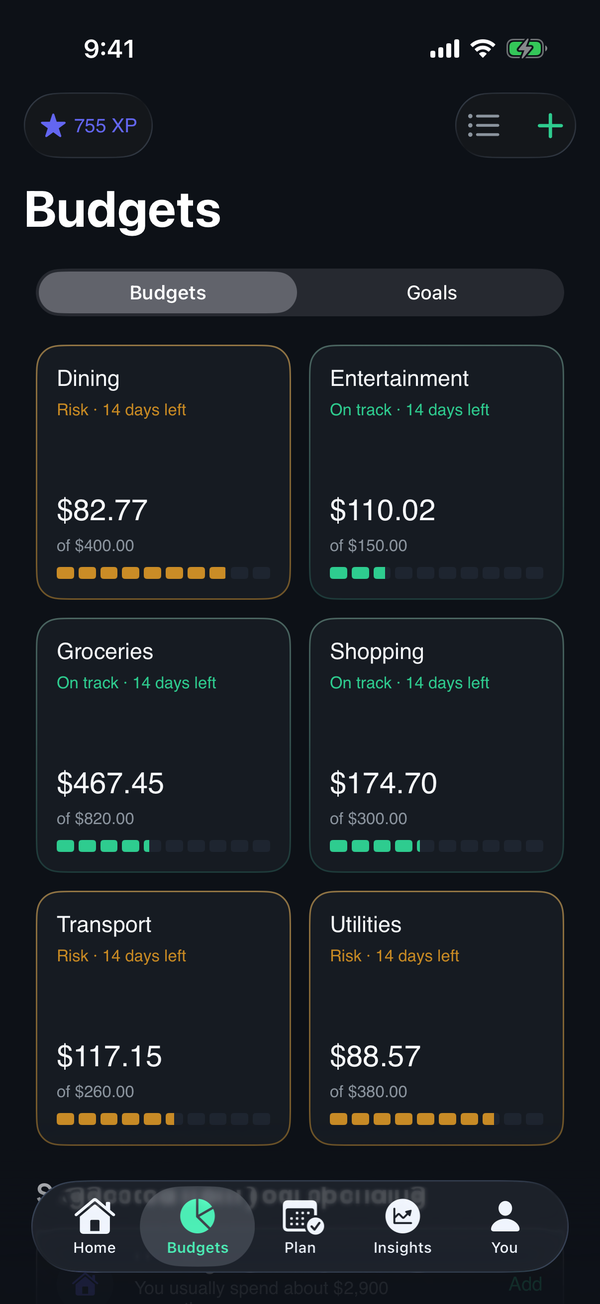
- Set a groceries budget. Budgets by category come with suggested limits based on recent spending, a good starting point.
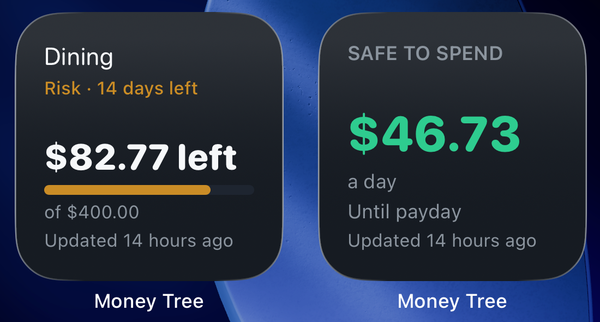
- Put it on your home screen. The budgets widget shows what's left in a category at a glance.
See what Money Tree does or download it on the App Store. New users get a 7-day trial of every feature.
Frequently asked questions
How much should I spend on groceries? There's no single right figure. It depends on household size, where you live and how you eat. Many people start from what they actually spent over the last two or three months, then adjust.
Should I budget groceries weekly or monthly? Many people find a weekly limit easier, because it shows quickly when a shop ran over. A monthly total is still useful for the big picture.
Should takeout count as groceries? Most people track it separately, under dining, so grocery totals reflect food you cook at home and the two can be compared.
Money Tree is a personal finance tool, not financial advice. This article is general information and doesn't take your circumstances into account.